
Best Laptops for Stock Trading in 2026

A slow laptop costs real money. If your charts lag, your broker freezes, or your machine struggles with multiple monitors, you’ll feel it exactly when the market gets fast.
The best laptop for stock trading in 2026 depends on how you trade. A swing trader using TradingView and a browser doesn’t need the same machine as a day trader running DAS Trader, Thinkorswim, Discord, Excel, and four charts at once.
This guide cuts through the generic laptop roundup advice. These are the best laptops for traders right now, with honest trade-offs, current pricing context, and who each one actually fits.
The Short Answer
If you want the fastest answer:
Best overall: MacBook Pro 16-inch (M4 Pro)
Best premium Windows laptop: Dell XPS 16
Best dual-screen setup: ASUS Zenbook Duo (2026)
Best business/workstation pick: Lenovo ThinkPad P1 Gen 7
Best lightweight big-screen option: LG gram 17
Best dedicated trading laptop: Falcon F-25
What Actually Matters in a Trading Laptop
Most traders don’t need a gaming laptop. They need a machine that stays fast with market data, broker software, browser tabs, spreadsheets, chat apps, and external monitors all running at once.
Here are the specs that matter most:
CPU: Prioritize modern Intel Core Ultra, Apple M4 Pro, or AMD Ryzen AI / Ryzen 9 class chips.
RAM: 16GB is the floor. 32GB is the sweet spot for active traders.
Storage: 1TB SSD is ideal if you keep exports, screenshots, recordings, and multiple apps locally.
Display: A larger screen helps, but external monitor support matters more than laptop size alone.
Ports: HDMI, Thunderbolt / USB-C, and reliable dock support matter if you trade at a desk.
Battery and thermals: You want a machine that stays responsive under load, not one that throttles when the open gets busy.
One more thing: check broker compatibility before you buy. If your platform is Windows-only, don’t buy a Mac and hope for the best.
1. MacBook Pro 16-inch (M4 Pro)
Best for: Traders who want the best overall combination of speed, battery life, screen quality, and reliability, as long as their broker stack works on macOS.
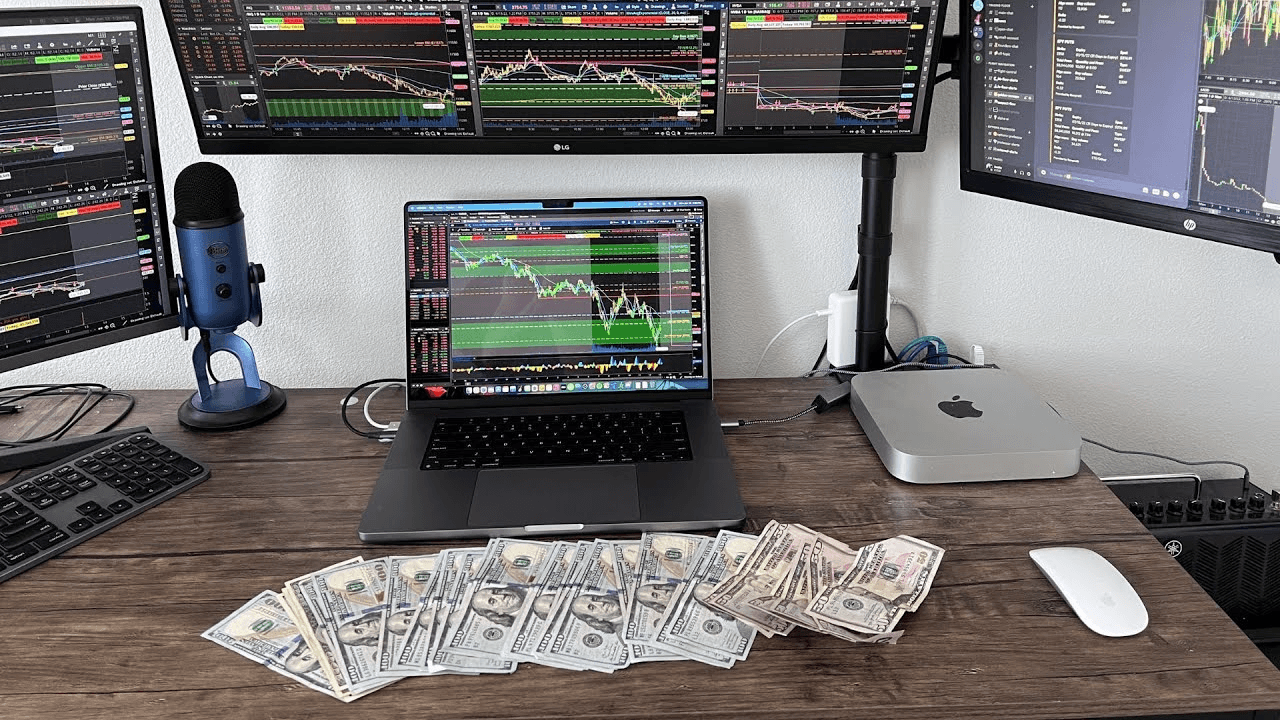
The MacBook Pro 16-inch is the safest premium pick for traders who can live inside macOS. The M4 Pro chip is overkill for browser-based trading and still excellent for heavier multitasking with TradingView, Tradervue, spreadsheets, Slack, research tabs, and charting tools.
The biggest win is consistency. You get strong battery life, a great keyboard, a bright high-quality display, and fewer random performance dips than many thin Windows laptops.
Pricing: Starts around $2,399 for the 16-inch M4 Pro configuration.
Pros:
Outstanding battery life for traders who move between desk, office, and travel
Excellent 16-inch display for charts and news feeds
Fast, quiet, and stable under multitasking loads
Best-in-class trackpad, keyboard, and build quality
Great with external monitors via Thunderbolt docks
Cons:
Expensive
Not every broker or platform supports macOS well
Upgrades get expensive fast, especially RAM and storage
2. Dell XPS 16
Best for: Traders who want a premium Windows machine with strong performance, sharp display options, and a more polished design than most workstation laptops.
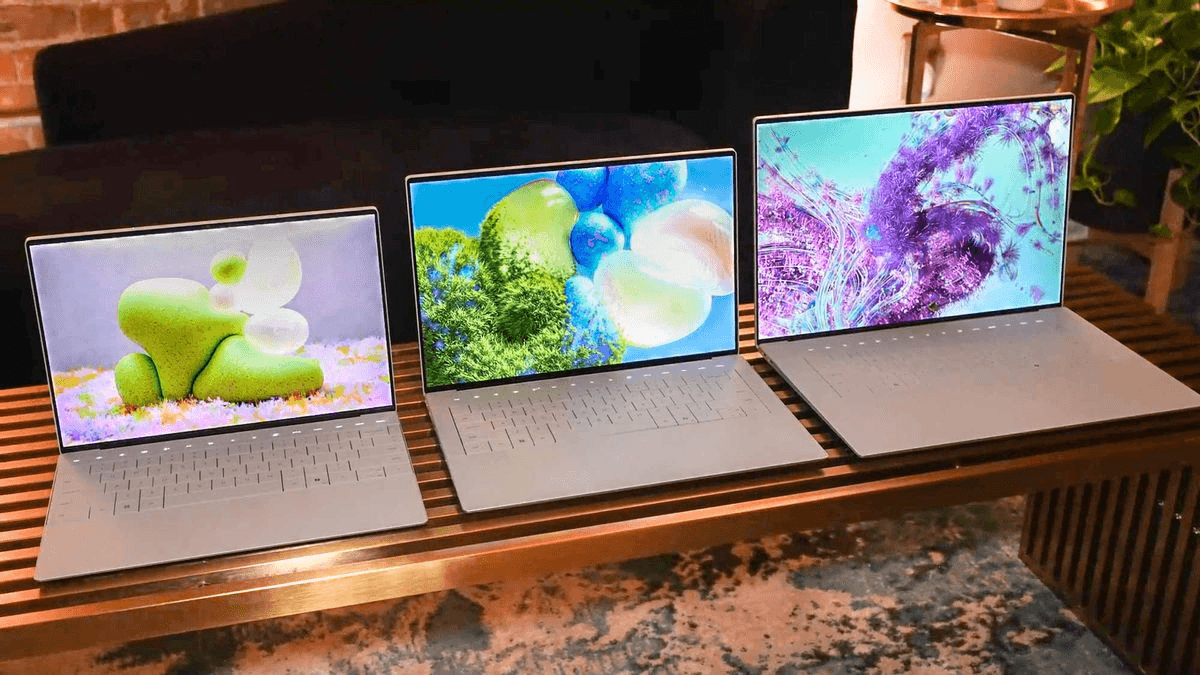
If you want Windows but don’t want a bulky gaming chassis, the XPS 16 is one of the best premium options. It gives you enough CPU and GPU headroom for broker platforms, charts, browser tabs, office apps, and light content work without feeling like a brick.
This is the best Windows alternative to the MacBook Pro for traders who care about fit, finish, and display quality.
Pricing: Starts around $1,549.99, with more practical trading configurations often landing around $2,199 to $2,349.
Pros:
Premium Windows design with strong performance
Large 16-inch display with OLED options available
Good pick for traders who need Windows-native brokers
Handles heavy multitasking better than many ultrabooks
Better-looking and more portable than many workstations
Cons:
Premium pricing once you spec it properly
Fewer legacy ports than some traders want
Can run hot under sustained heavier workloads
3. ASUS Zenbook Duo (2026)
Best for: Traders who want a genuinely useful portable dual-screen setup for charts, news, watchlists, Discord, or order entry.
The old Zenbook Pro Duo recommendation is dated. The better 2026 pick is the refreshed Zenbook Duo, which gives you two 14-inch OLED displays in a much more practical form factor.
For traders, the dual-screen layout is the point. Keep charts on one screen and order entry, scanners, or news on the other. It’s one of the few laptops that can actually improve workflow without needing an external monitor.
Pricing: Starts around $1,699.99 for the 2026 model.
Pros:
Dual-screen layout is genuinely useful for active trading workflows
More portable than carrying a laptop plus portable monitor
Sharp OLED panels with lots of workspace
Better current recommendation than the older 15-inch Pro Duo
Strong value relative to what it offers
Cons:
Not everyone likes the keyboard / stand workflow
Less lap-friendly than a traditional clamshell laptop
Integrated graphics means this is about productivity, not GPU-heavy workloads
4. Lenovo ThinkPad P1 Gen 7
Best for: Professional traders who want workstation-class reliability, stronger port flexibility, and a business-first machine that can survive years of heavy use.
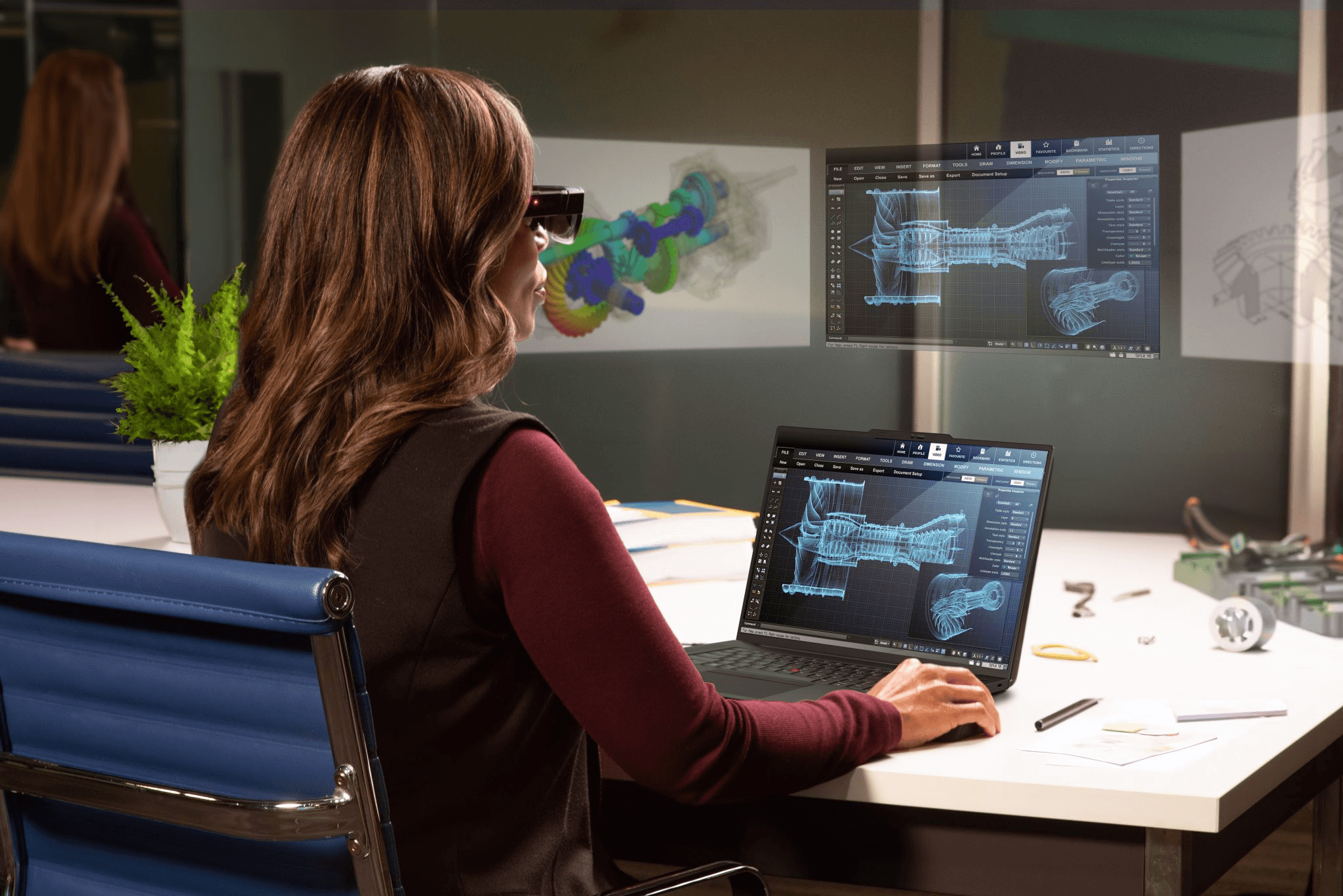
The old ThinkPad X1 Extreme is no longer the right recommendation. The current spirit of that pick is the ThinkPad P1 Gen 7: a mobile workstation with strong build quality, business features, and enough horsepower for demanding trading and research setups.
This is the laptop for traders who care less about aesthetics and more about reliability, keyboard quality, and long-term durability.
Pricing: Starts around $2,249 on Lenovo’s official listing, though configured models often cost more.
Pros:
Workstation-grade build and keyboard quality
Better fit for long-term heavy use than many consumer laptops
Strong CPU and GPU options for multi-app trading setups
Good choice for professional and business environments
ThinkPad reliability and serviceability reputation
Cons:
Expensive
Heavier and more utilitarian than premium consumer laptops
Availability can vary by region and config
5. LG gram 17
Best for: Traders who want a large screen without carrying a heavy workstation all day.
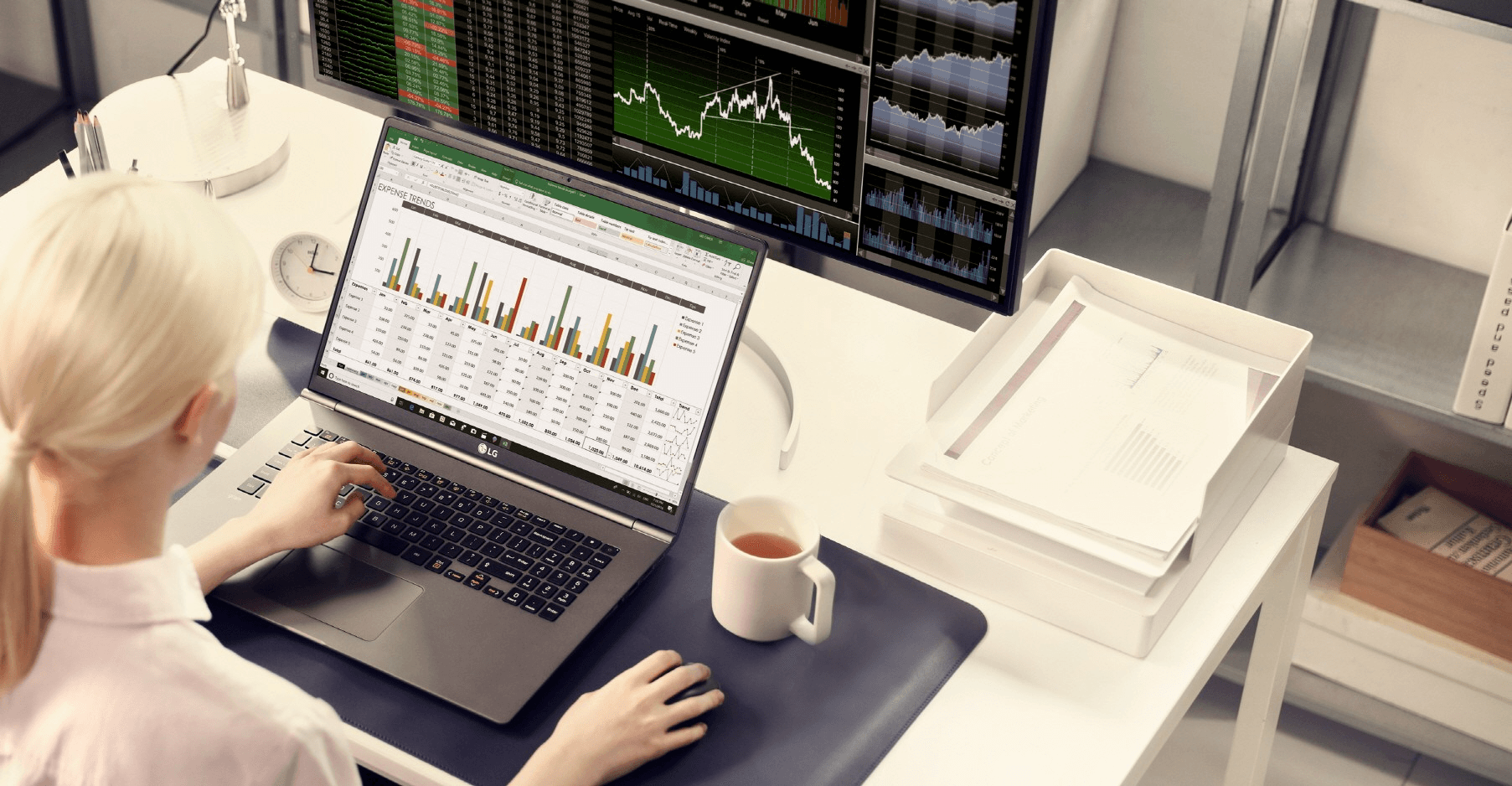
A lot of traders want one simple thing: more screen space. The LG gram 17 delivers that better than almost anything else. You get a roomy 17-inch display in a body that still feels light enough to move around with easily.
It’s not the most powerful laptop on this list, but for browser-based trading, charting, research, journaling, and office work, it hits a very practical balance.
Pricing: Around $1,699.99 for current 2026 configurations from LG.
Pros:
Huge 17-inch screen in a very light chassis
Excellent travel pick if you hate cramped laptop displays
Strong battery life for a large-screen machine
Great for chart-heavy but not especially GPU-heavy workflows
Easier to carry than most 16-inch workstations
Cons:
Not the best choice for traders who need maximum raw performance
Lightweight build may feel less rigid than heavier premium laptops
Better as a productivity machine than a heavy-duty power machine
6. Falcon F-25 Trading Laptop
Best for: Traders who want a purpose-built trading laptop with serious multi-monitor support and don’t mind paying a premium for niche hardware.
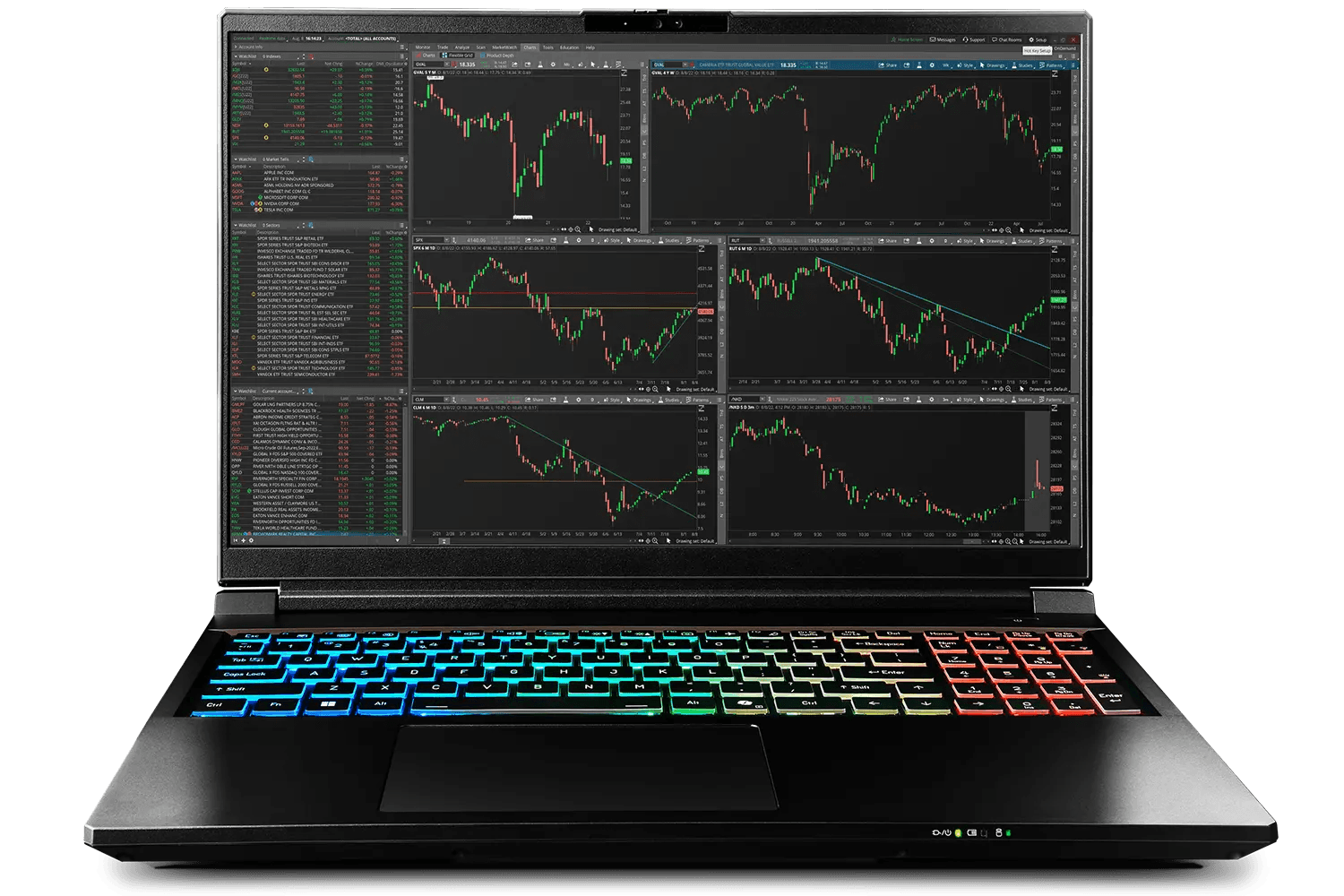
Most traders do not need a dedicated trading laptop. But if you specifically want one, the Falcon F-25 is one of the few real options built around trading workflows rather than general consumer use.
The pitch is simple: strong specs, lots of connectivity, and support for multiple external displays in a package designed for Thinkorswim, NinjaTrader, and similar setups.
Pricing: Starts around $3,470.
Pros:
Built specifically for trading setups
Strong multi-monitor support
High-end CPU and GPU options
Better niche fit than adapting a random consumer laptop
Cons:
Very expensive
Overkill for most traders
Much less mainstream than Apple, Dell, Lenovo, or LG support ecosystems
Which Laptop Should You Buy?
If you’re still deciding, use this shortcut:
Buy the MacBook Pro 16-inch if your broker stack works on macOS and you want the best all-around machine.
Buy the Dell XPS 16 if you want premium Windows without going full workstation.
Buy the ASUS Zenbook Duo if you care most about portable screen real estate.
Buy the ThinkPad P1 Gen 7 if reliability and business durability matter more than looks.
Buy the LG gram 17 if you want the biggest screen in the lightest package.
Buy the Falcon F-25 only if you specifically want trading-first hardware and are fine paying for it.
Minimum Specs for Most Traders in 2026
If you don’t want to overthink this, aim for:
CPU: Apple M4 / M4 Pro, Intel Core Ultra 7+, or Ryzen 7 / Ryzen AI class
RAM: 16GB minimum, 32GB recommended
Storage: 1TB SSD if you run a serious trading setup
Display: 15-inch or larger if you’re often trading away from your desk
Ports: USB-C / Thunderbolt plus easy docking for external monitors
For most active traders, 32GB RAM + 1TB SSD is the sweet spot. That’s the upgrade point that usually matters more than chasing the absolute fastest GPU.
Final Verdict
The best laptop for stock trading in 2026 is the one that matches your platform, monitor setup, and trading style.
For most traders, the shortlist is simple: MacBook Pro 16-inch if you can use macOS, Dell XPS 16 if you need Windows, and ASUS Zenbook Duo if portable multitasking is your edge.
The hardware matters, but software matters more. Once your laptop is fast enough, the bigger win comes from reviewing your trades, spotting mistakes (like chasing a hammer candlestick that never confirmed), and tightening your process.
If you want to actually improve your trading, not just buy prettier hardware, use the best trading journal you can find — one that shows you what your numbers are saying.
Author:

Patricia Buczko
Category:
User Stories


